Laptop Repair or Replace? How to Decide When It Acts Up
Laptop acting up? How to decide between laptop repair and replacement: age, what's failing, SSD upgrades, Windows 10 end of support and Mac warranty checks.
HHI Computer Guys

IT, websites and search for the Lowcountry.
Laptops take a beating: dropped bags, spilled coffee, sand, humidity and years of being carried around. For our managed IT clients, most problems are fixable, and we'll tell you honestly when one isn't worth it.
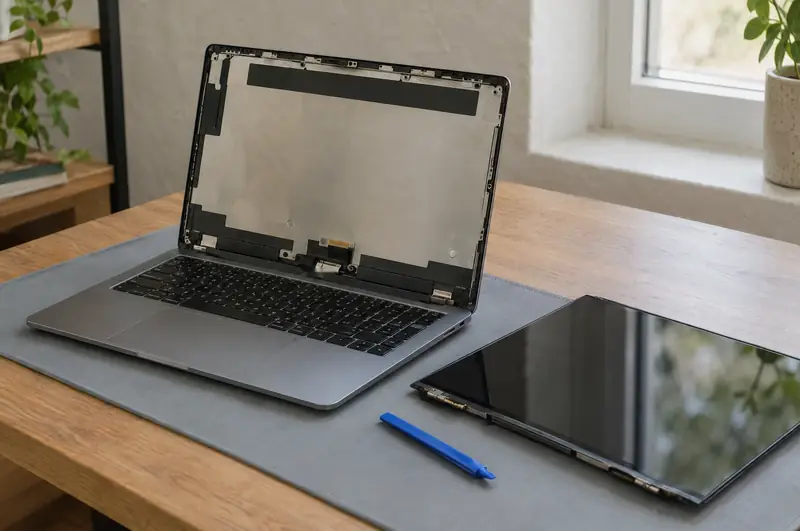
Cracked, flickering, lines across the display, or dark with the computer clearly still running.
Dead keys, sticky keys after a spill, a trackpad that jumps or stopped clicking.
Won't charge, only works plugged in, loose charging port, battery that swells or drains in an hour.
Fans roaring, shutting off under load. Usually dust and dried thermal paste; sometimes a failing fan.
Broken hinges and cracked bezels that get worse every time the lid opens.
An SSD and a memory upgrade can give an older laptop years more life for a fraction of a new one. See upgrades.
Turn it off right away, unplug it, don't try to turn it back on to "check", and call us right away. Liquid causes most of its damage over the following hours and days as it corrodes the board, so the sooner it's opened and cleaned, the better the odds.
Repair is part of our managed IT service. We repair computers for businesses on a managed IT plan, and we no longer take one-off repairs for home users. Clients: call (843) 422-2201 and we'll fix it over a remote session or on site.
A free assessment looks at your computers, network, email and backups, and tells you plainly what needs attention.
If a laptop is old enough that the repair costs a good share of a new one, or it can't run a supported version of Windows, we'll say so. Either way we'll move your files, email and settings to whatever you end up with. Our repair-or-replace guide walks through how to decide.
We work on Windows laptops from all the major brands, and on MacBooks (see Mac repair).
No. Computer repair is now a service for businesses on our managed IT plans, so it's handled as part of looking after your office.
In most cases, yes. We'll identify the exact panel, quote the part and labor, and give you a timeline before ordering.
Turn it off immediately, unplug it and don't power it back on. Call us right away so it can be opened and cleaned before corrosion sets in.
Often. Swapping a spinning hard drive for an SSD and adding memory can make a laptop feel new. If it can't run a supported operating system, replacement is usually the better call.
Desktops, laptops and Macs diagnosed and fixed for the businesses we look after, by the same local team that has been doing it on the island for more than fifteen years.
We've worked on iMacs and MacBooks alongside PCs for years, and we look after the Macs in our managed IT clients' offices: slow Macs, startup loops, full disks, data that needs saving and moving to a new machine.
When an office desktop won't post, crashes under load or just can't keep up, we track down the failing part, replace or upgrade it, and test it properly.
Deleted the wrong folder?
Laptop acting up? How to decide between laptop repair and replacement: age, what's failing, SSD upgrades, Windows 10 end of support and Mac warranty checks.
Call, or send a few lines about your business or your computer. You'll hear back from a person who can actually fix it.