
Small Business Backup Solutions: A 3-2-1 Plan You'll Keep
Backup solutions for small business that hold up: the 3-2-1 rule, why sync isn't backup, Microsoft 365, ransomware, test restores and hurricane evacuations.
HHI Computer Guys

IT, websites and search for the Lowcountry.
A backup nobody has tested is a hope, not a plan. We set up local and cloud copies of what your business can't lose, and we prove they come back.
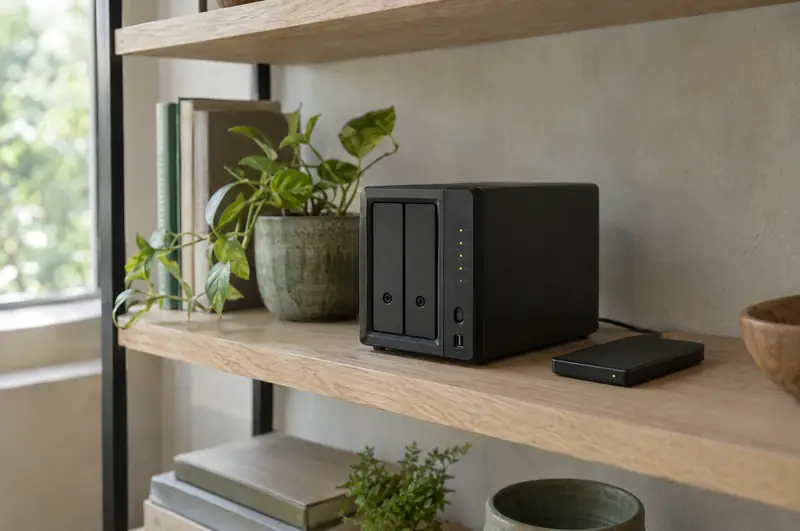
Three copies of your data, on two different kinds of storage, with one copy off site. For a typical office that means the working data, a fast local backup for quick restores, and a cloud copy that survives a fire, a flood, a stolen server or a hurricane evacuation. We explain it in more detail in our backup guide.
A free assessment looks at your computers, network, email and backups, and tells you plainly what needs attention.
Ransomware tries to encrypt or delete your backups first. So we keep versioned copies the attacker's account can't reach or overwrite, and we keep enough history to go back to before the infection started. Sync services like OneDrive or Dropbox are useful, but they're not backups: they happily sync an encrypted or deleted file everywhere.
We run test restores and check backup reports as part of managed IT, so a failed job gets fixed the day it fails, not discovered the day you need it.
No. They sync, so a deleted or encrypted file is deleted or encrypted everywhere. They're useful, but you still need a separate, versioned backup.
For most offices, at least daily for servers and Microsoft 365, more often for busy shared data. We set the schedule around how much work you could afford to redo.
In an encrypted cloud backup service, so it's outside the building and outside the region's storm path.
Attackers go after small businesses because they're easier, not because they're interesting.
Deleted the wrong folder?
We monitor, patch, secure and back up your computers and network, answer your team's questions, and fix things before they turn into a lost day.
Email on your own domain, files in OneDrive and SharePoint, Teams that people actually use, and the security settings that should have been on from the start.
Backup solutions for small business that hold up: the 3-2-1 rule, why sync isn't backup, Microsoft 365, ransomware, test restores and hurricane evacuations.
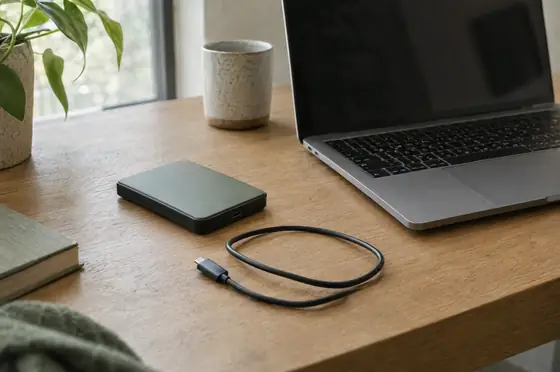
Hard drive clicking or grinding? Turn it off now. What the noise means, what not to try, and how data recovery works for Hilton Head and Bluffton customers.
Call, or send a few lines about your business or your computer. You'll hear back from a person who can actually fix it.