
What Does a Managed IT Provider Do for a Small Office?
What a managed IT provider handles for a small office: monitoring, patching, security, backups and help desk, plus what to ask any MSP before you sign.
HHI Computer Guys

IT, websites and search for the Lowcountry.
We monitor, patch, secure and back up your computers and network, answer your team's questions, and fix things before they turn into a lost day. One local team, one monthly agreement.
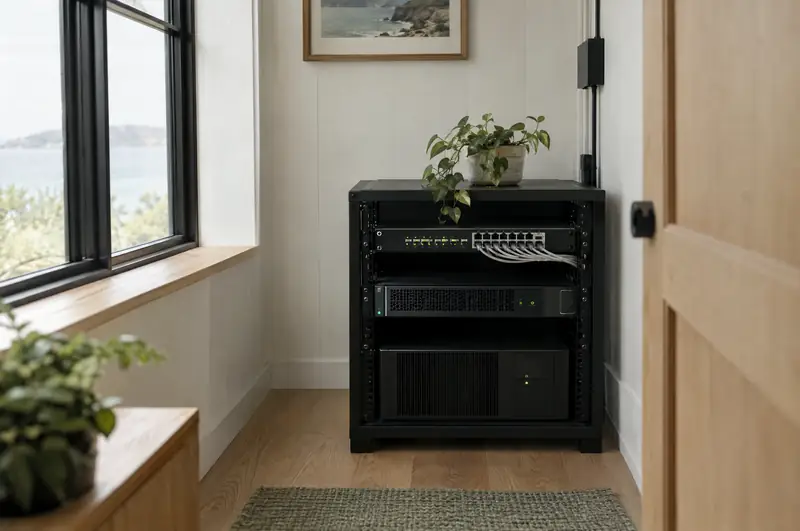
Most small offices on the island run on a patchwork: a tech they call when something breaks, a few cloud apps nobody really administers, and one employee who is "good with computers" and quietly losing hours to it. Managed IT replaces that with one team that owns the whole picture and is paid to keep it from breaking.
We run monitoring and patch management on each workstation and server, so updates go on at night and failing drives, full disks and stopped services show up on our screen before they show up on yours.
Managed endpoint protection, email filtering, multi-factor sign-in and sensible account permissions. See cybersecurity.
Servers, workstations and Microsoft 365 data backed up on a schedule, with restores checked so we know they work. See backup and recovery.
Remote help for the everyday stuff, and someone on site in Hilton Head or Bluffton when it needs hands.
Accounts, email, licenses and laptops set up on day one and shut off on the last day.
We spec, buy, set up and retire computers, so you replace things on a plan instead of in a panic.
With break-fix you pay by the hour after something fails, which means your IT person only makes money when you're having a bad day. With a managed agreement the incentive flips: we're paid the same whether the month is quiet or not, so we put the work into keeping it quiet. You also get a budget number you can plan around instead of surprise invoices.
For an office with staff, client data and deadlines, managed almost always costs less than the downtime it prevents.
Professional offices, medical and dental practices, law firms, property managers, real estate teams, contractors and the island's seasonal businesses: usually somewhere between three and fifty people, often with a server or a line-of-business app that can't go down. If that sounds like you, we start with a free assessment of what you have now.
We use the same class of tools larger IT firms use, chosen because they work, not because they're on a slide: an enterprise-class security platform for endpoint protection, UniFi for networks and Wi-Fi, Microsoft 365 for email and files, IDrive for cloud backup, and Dropsuite and NinjaOne for backing up email, SharePoint and OneDrive.
You don't need to know any of those names. You just need them running and watched.
A free assessment looks at your computers, network, email and backups, and tells you plainly what needs attention.
Passwords, licenses, domain names and documentation belong to your business, not to us. If you ever leave, you leave with all of it. We'd rather keep clients by doing good work than by holding the keys.
Usually per user or per device per month, scoped to what you actually have. We quote after a free assessment so the number reflects your office, not a generic package.
No, but we'll go over the terms in the proposal. Our aim is to keep you because the service is good, and you keep ownership of every account and password either way.
Yes. We can take over the monitoring, security and backups and leave day-to-day questions with your in-house person, or the other way around.
Yes, across Hilton Head Island and Bluffton. Most issues get fixed remotely in minutes; anything that needs hands gets a visit.
Attackers go after small businesses because they're easier, not because they're interesting.
A backup nobody has tested is a hope, not a plan.
Email on your own domain, files in OneDrive and SharePoint, Teams that people actually use, and the security settings that should have been on from the start.
We're based on the north end of the island.
What a managed IT provider handles for a small office: monitoring, patching, security, backups and help desk, plus what to ask any MSP before you sign.

Backup solutions for small business that hold up: the 3-2-1 rule, why sync isn't backup, Microsoft 365, ransomware, test restores and hurricane evacuations.
Call, or send a few lines about your business or your computer. You'll hear back from a person who can actually fix it.